

Case Summary
Case Study
0
2
•
UX Lead
•
Lytx
•
1 year
•
2026
Lytx Self-Serve Ordering
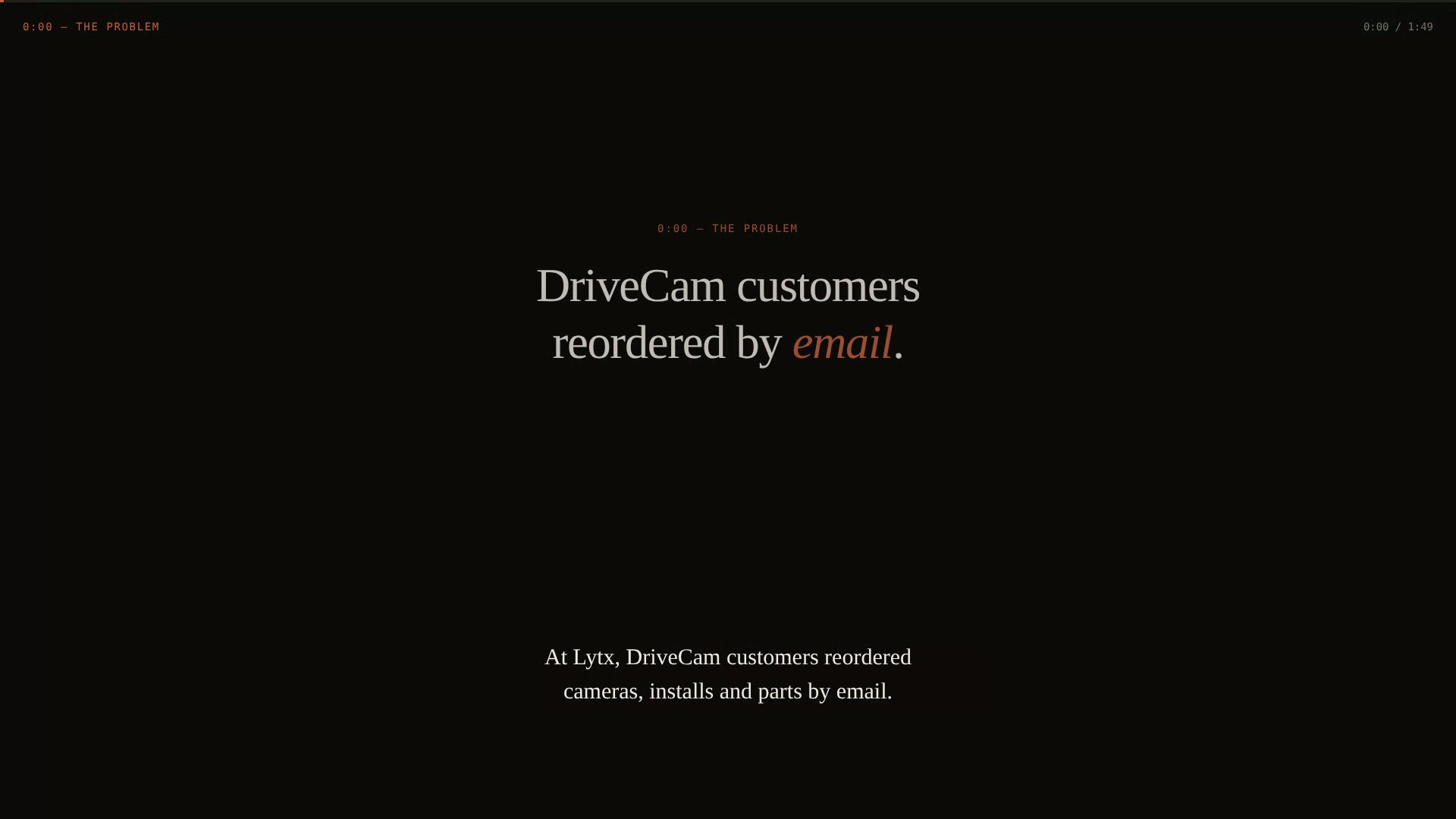
Lytx DriveCam customers reordered cameras, installs and parts by email. I led UX for self-serve ordering in Account Center, the expansion of Lytx's Implementation Center into a single customer hub, so a fleet manager can go from needing more cameras to a scheduled installation without contacting sales.
The Challenge
DriveCam customers reordered cameras, installs and parts by email. Implementation managers, order management and finance validated and re-scoped every order by hand, and most orders arrived missing cables, vehicles, contacts or shipping addresses. Customers had no single place to browse their contracted catalog, track an open order or repeat a past purchase.
The Solution
A guided ordering flow in Account Center (goal, catalog, vehicles, locations, confirm) with services tied to the hardware they serve, live validation against the customer's contract, and a legally defensible click-through acceptance. Orders publish to Salesforce CPQ through Kafka and become one implementation project per site.
"The prototype became the spec. Every review, every requirement check and every screenshot came from the same living build."
— Daniel Rivas, case study reflection
Live
End-to-end Order Flow in Production
80%
Self-serve Reorder Target
2 Countries
Click-through Terms Approved
The Process
01
Discovery & Research
Mapped the full Lytx self-service ecosystem onboarding, configuration, ordering, assets, billing, AI support) before scoping ordering, and traced how reorders moved from customer email through three internal teams.
Needs
Order exactly what the fleet needs, for the right vehicles and sites, in one sitting.
See what the contract allows, and track or repeat past orders.
Place hardware now and assign vehicles later when procurement requires it.
Findings
About 80% of orders fall into four intents.
Missing install and deinstall lines drove most of the rework.
Samsara, Motive and Geotab already offered unified self-serve ordering.
02
Definition
Expand the existing Implementation Center into Account Center, so ordering sits beside the install tracking customers already use, with Salesforce CPQ as the system of record.
Opportunity
Build where customers already are instead of launching a seventh portal, and let each system own what it does best: Account Center owns the experience, Salesforce CPQ stays the system of record, connected through Kafka.
Personas
Program Champion: owns the safety program, billing and rollouts.
Program Manager: places most orders, may need an authorizer.
Fleet Manager: knows VINs, locations and install windows.
Pain Points
Manual rework on most orders.
Missing cables, vehicles, contacts or addresses.
No way to track an open order or repeat a past one.
03
Design & Prototyping
One question per step, with honest shortcuts: open orders, parts-only, Confirm as Open Order, and cables for unknown VINs.
Ideation
Five goal-screen layouts.
Three catalog models: classic, guided and visual lot.
Four location-detail combinations of shipping and scheduling.
Prototyping
React prototype built with Claude on the Lytx design system.
UI spec and PRD gap analysis generated from the live build.
04
Delivery
Initial deployment proved the full path in production: order in Account Center, Kafka event, Salesforce opportunity and quote, implementation project.
Result
Click-through terms approved for the U.S. and Canada before customer initial deployment, and UX sign-off and the QA test plan completed ahead of code freeze.
The program is being measured against targets of 80% of eligible reorders placed self-serve within 12 months of GA, 40% faster order-to-live time, 40% fewer order-related cases, and 95%+ of orders needing no rework.
Lessons learned
Cross-team dependencies set the pace more than the UI did.
Bring legal onto the critical path from day one.
Adoption is a behavior change: enablement and in-app guidance matter as much as features.
Selected Screens & Artifacts

Holistic vision for self-serve capabilities

Item detail screen with order summary tracked

Location confirmation design, using exiting location settings as default
Tools Used
Daniel Rivas · UX Strategy & Product Design
← Back to home
The Challenge
DriveCam customers reordered cameras, installs and parts by email. Implementation managers, order management and finance validated and re-scoped every order by hand, and most orders arrived missing cables, vehicles, contacts or shipping addresses. Customers had no single place to browse their contracted catalog, track an open order or repeat a past purchase.
The Solution
A guided ordering flow in Account Center (goal, catalog, vehicles, locations, confirm) with services tied to the hardware they serve, live validation against the customer's contract, and a legally defensible click-through acceptance. Orders publish to Salesforce CPQ through Kafka and become one implementation project per site.

"The prototype became the spec. Every review, every requirement check and every screenshot came from the same living build."
— Daniel Rivas, case study reflection
Outcomes
Live
End-to-end Order Flow in Production
80%
Self-serve Reorder Target
2 Countries
Click-through Terms Approved
The process
1
Discovery & Research - Summary
Mapped the full Lytx self-service ecosystem: onboarding, configuration, ordering, asset management, billing and AI support.
Traced how reorders actually moved today, from a customer email through implementation managers, order management and finance.
Benchmarked unified self-serve ordering from competitors.
Users
Program champions, program managers and fleet managers at DriveCam customer accounts.
Needs
Order exactly what the fleet needs, for the right vehicles and sites, in one sitting and without help.
Problems
Customers juggled six portals, three internal teams touched every order, and it took days to get from an order to a device live in a vehicle.
Findings
About 80% of orders fall into four intents: new devices, installation services, parts, and replacements.
Missing install and deinstall lines were a top cause of rework.
Customers often buy hardware before vehicles or VINs are known.


2
Definition - Summary
Expand the existing Implementation Center into Account Center, so ordering sits beside the install tracking customers already use, instead of launching a seventh portal.
Opportunity
Let each system own what it does best: Account Center owns the experience, validation, electronic acceptance and order events; Salesforce CPQ stays the system of record for opportunities, quotes and projects, connected through Kafka.
Personas
Program Champion: owns the safety program, billing, group hierarchy and rollouts.
Program Manager: places most orders and may need an authorizer to approve them.
Fleet Manager: knows VINs, locations and maintenance windows, and coordinates installs.
Wants/Needs
Build where customers already are.
Validate against the customer's real footprint and contract.
Make acceptance legally defensible.
Ship thin, then harden.
Pain Points
Manual rework on most orders.
Orders missing cables, vehicles, contacts or addresses.
No way to track an open order or repeat a past one.


3
Design - Summary
Split ordering into small, single-purpose steps (goal, catalog, vehicles, locations, confirm), with honest shortcuts for real-world orders: resume an open order, skip vehicles for parts-only carts, Confirm as Open Order to assign later, and ship cables by make, model and year when VINs aren't known.
Ideation
Explored five goal-screen layouts; image showcase cards won for scannability.
Compared classic, guided and "visual lot" catalog models; guided shipped for initial deployment.
Tied managed installation to the device row with linked quantities and inline deinstall guardrails.
Vehicle selection shows only cart columns, with an "x of y" counter that doubles as validation.
Scheduling captures availability windows per site instead of booking slots the installer network couldn't support yet.
Prototyping
Built the interactive prototype in React with Claude on the Lytx design system, with variants behind toggles for side-by-side reviews.
Generated the UI specification (14 use cases, error cases, state descriptions) from the live build.
Ran a gap analysis of the prototype against the PRD to catch missing states before engineering.
4
Delivery - Summary
Initial deployment shipped behind a feature flag to internal users and friendly customers, proving the full path in production: an order in Account Center publishes to Kafka, Salesforce creates the opportunity and quote, and an implementation project is created, with the acceptance record captured.
Result
Click-through terms approved for the U.S. and Canada before customer initial deployment, and UX sign-off and the QA test plan completed ahead of code freeze. The program is measured against targets of 80% of eligible reorders placed self-serve within 12 months of GA, 40% faster order-to-live time, 40% fewer order-related cases, and 95%+ of orders needing no rework.
Lessons Learned
Cross-team dependencies set the pace more than the UI did.
Bring legal onto the critical path from day one.
Adoption is a behavior change: enablement and in-app guidance matter as much as features.
